Cat Translator guides
How to record your cat's meow on iPhone
Record a clear cat meow on your iPhone, try Cat Translator's listening mode, and save the moment without crowding your cat.
THE SHORT ANSWER
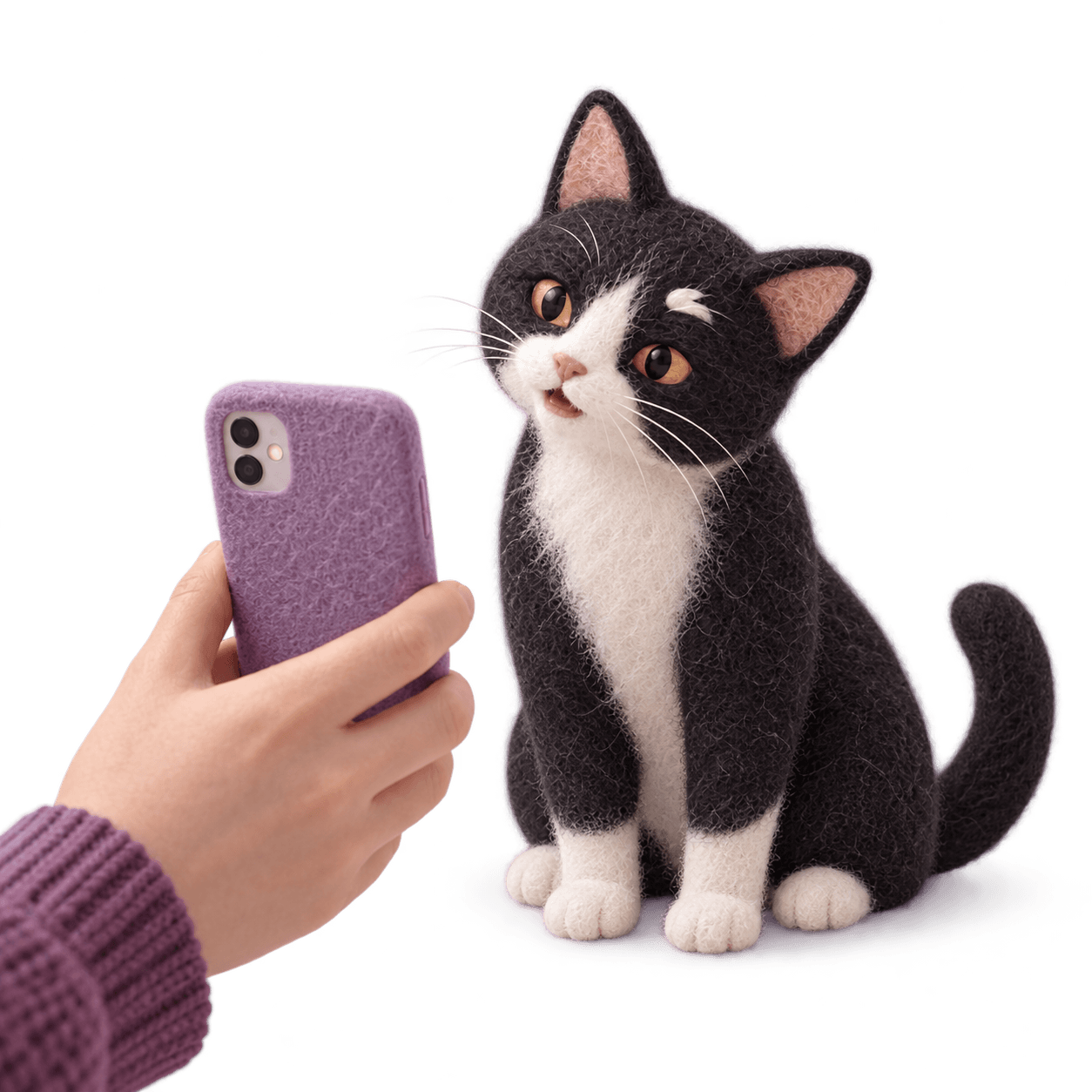
In Cat Translator, select your cat and open Listen to your cat. Allow recording permissions, tap Start recording, and capture a natural meow in a quiet room. Tap Stop recording to see a playful result, then use Save to name and keep the moment.
The best recording is usually an ordinary moment your cat was going to have anyway. A hello when you arrive home is plenty. You do not need a microphone beside their face, a staged reaction, or a perfect take.
Choose a quiet, familiar moment
Turn down music and pause the television so the recording contains more cat and less background noise. Hold your iPhone steadily nearby, without moving it toward your cat every time they turn their head. Leave them space to walk away.
Check that your hand is not covering the phone's microphone openings. Settle into a comfortable position before you start so you are less likely to rub the case or move the phone during a sound. A short pause at the start is fine.
Open Listen to your cat
Open Cat Translator on your iPhone and check the selected cat profile. On the Translation screen, choose "Listen to your cat." The other option, "Talk to your cat," is for recording your own voice and hearing a cat-like reply.
Allow the microphone and speech recognition permissions when prompted. These permissions let the recording flow run. If access is unavailable, use your iPhone settings to review the permissions for Cat Translator, then return to the app.
Start recording and let the sound happen
Tap "Start recording" or the microphone control. Keep the phone still while your cat makes a natural sound, then tap "Stop recording." Give the recording a little room around the meow instead of trying to stop at the exact instant it ends.
If the app says the recording was too short, wait for another comfortable opportunity. Do not withhold a meal, wake your cat, or keep playing sounds to force a response. A quiet moment is a perfectly good reason to put the phone away and try another time.
Name the moment and save it
After processing, the app shows a playful interpretation. Use "Save" to open the naming step, enter a title, and save the result. You can find saved items under "Saved translations" for the selected cat. A descriptive name is easier to recognize later than a string of similar titles.
Try "Morning hello, October 7" or "Waiting by the window." Describe the occasion rather than a diagnosis or a certainty about what the sound meant. If you have several cats, check the selected profile before recording so their saved moments stay together.
If the clip is quiet or unclear
Listen for what competes with the meow: a fan, your own voice, handling noise, or another person in the room. Change one thing for the next attempt. For example, pause the fan if comfortable and safe, or rest your hand to reduce movement.
Moving closer is not always the right fix if your cat dislikes the phone. Reducing room noise may be enough. If there is no meow, keep the moment quiet and come back later. If you selected the speaking mode by mistake, return to Translation and choose the listening option.
Keep the recording and interpretation separate
Your cat's recorded sound is a real moment; the app's interpretation is playful. Enjoy it as a conversation starter. If you are recording because a sound is new or worrying, contact your vet and describe what changed instead of relying on the result to explain it.
Common questions
Do I need a separate microphone?
You can use your iPhone's built-in microphone with Cat Translator. Begin in a quiet room, keep the phone steady, and avoid covering the microphone openings.
Can I save recordings for different cats?
Yes. Cat Translator has separate cat profiles and saved translation history associated with the selected cat. Check the profile before starting each recording.
What should I do if my cat will not meow?
Let them stay quiet. Try again during a natural chatty moment another day, or explore the app's vocabulary yourself. A recording is never worth making your cat uncomfortable.
Keep the setup quiet, the phone steady, and the session short. The moment matters more than a perfect recording.
Give that meow a little more attention.
Save a cat conversation and explore cat sounds with Cat Translator.